How it works
How someone who loves your work becomes a client who books with you.
No app for your clients, nothing new for your team to learn. Here is what happens between a transformation in your portfolio and a client asking your team about her own.
Product screenshot
1 · Build
Turn one photo of your work into a Signature Look.
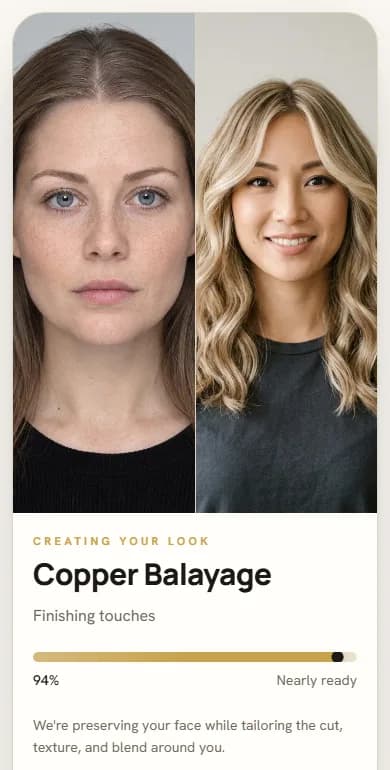
Upload a transformation you have the right to use, name it and attach the service. HairReflect reads the colour and technique from your photo, shows you what it understood, and offers three catalogue images. You pick one, edit the description in your own words, and publish — nothing goes live until you say so.
- Your photos, your rights, your words
- Three catalogue images — you choose
- Live only when you approve it
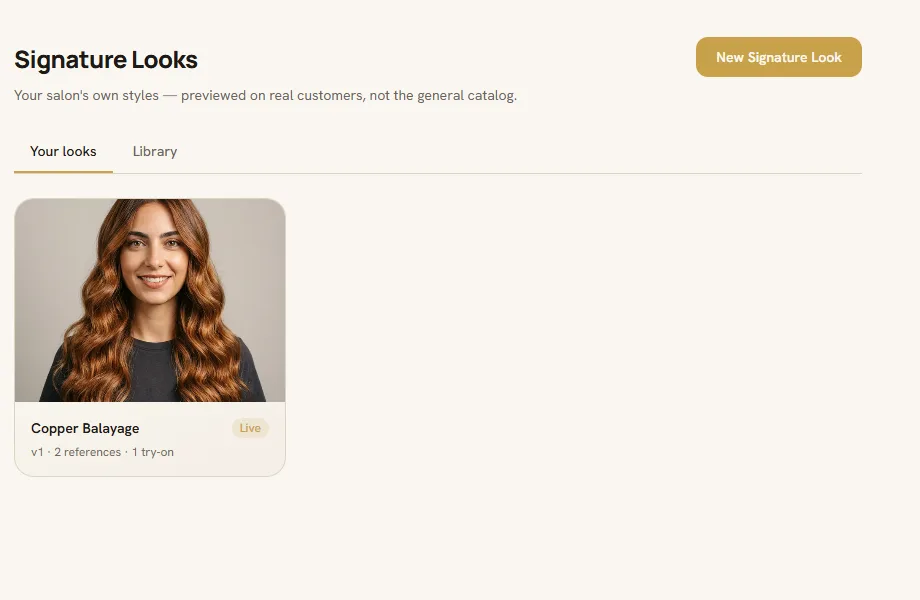
Product screenshotYour Signature Looks, in the owner dashboard.
2 · Share
Put the look where your clients already are.
Every look gets a link and a QR code. Instagram bio, your website, a card at reception, a sticker on the mirror, a story, a DM — the same look and the same salon context open from every one of them. A link gives people who already see your work somewhere useful to go; it does not create the audience.
- Link and QR for every look
- Website button or floating widget
- Campaign links you can measure
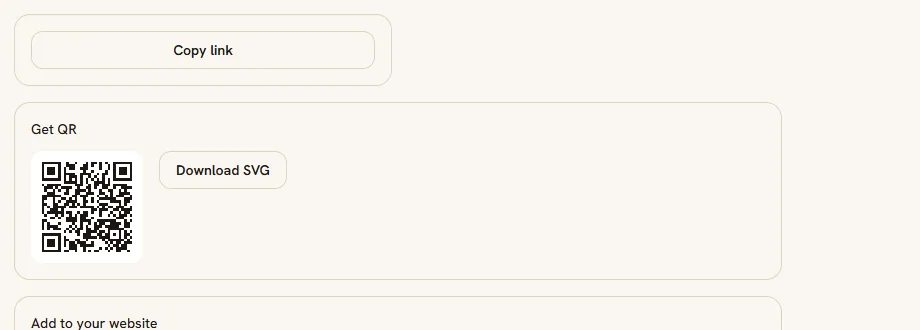
Product screenshotPromote: your link, your QR, your website button.
3 · Explore
She explores the look and, if she wants, sees it on her own photo.
Your client opens your link on their phone, reads what the service involves, and can take one photo to see an AI visualisation of your look on themselves — designed to keep the same eyes, skin and features, and change only the hair. They can hold to compare, save it or send it to themselves. Every preview is identity-checked before it is shown; a preview that fails the check is never shown.
- Usually under a minute, no app
- Identity-checked before it is shown
- Photos deleted within 30 days — never used to train AI
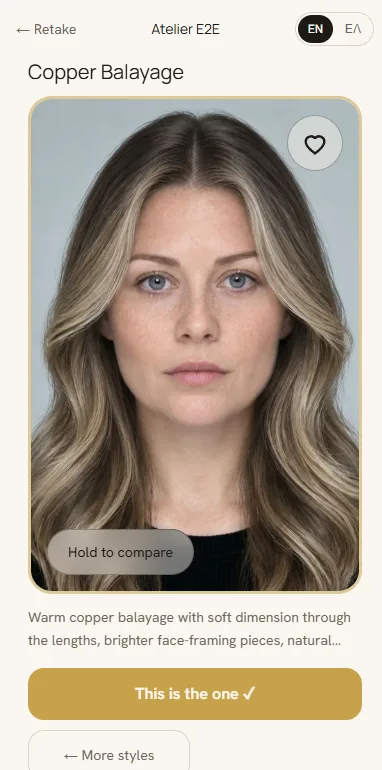
Product screenshotThe result, with Hold to compare.
4 · Book
She takes the next step with your salon. You decide what her hair can do.
From the result, your client follows the booking link you already use, or sends an enquiry about the look she explored. Your stylist sees the chosen look and the reference — and keeps the final say on feasibility, formulation and the recommendation.
- Enquiries land in your dashboard
- Your booking link on every result
- What is feasible is always the stylist's call

Illustration · generated scene, not a product screenshotThe consultation starts from the look your client chose.
See it on your own phone first
Two minutes with the demo tell you more than any page.
Open the demo salon, try a look on your own photo, then apply. We read every application ourselves and reply within 2 working days.